Offline Home Inspection Software
Offline home inspection software should not care whether a basement, a rural property, or a framed new-construction site has a signal at all. PadInspector captures voice, photos, and notes entirely on the device, then syncs everything the moment you are back in range.
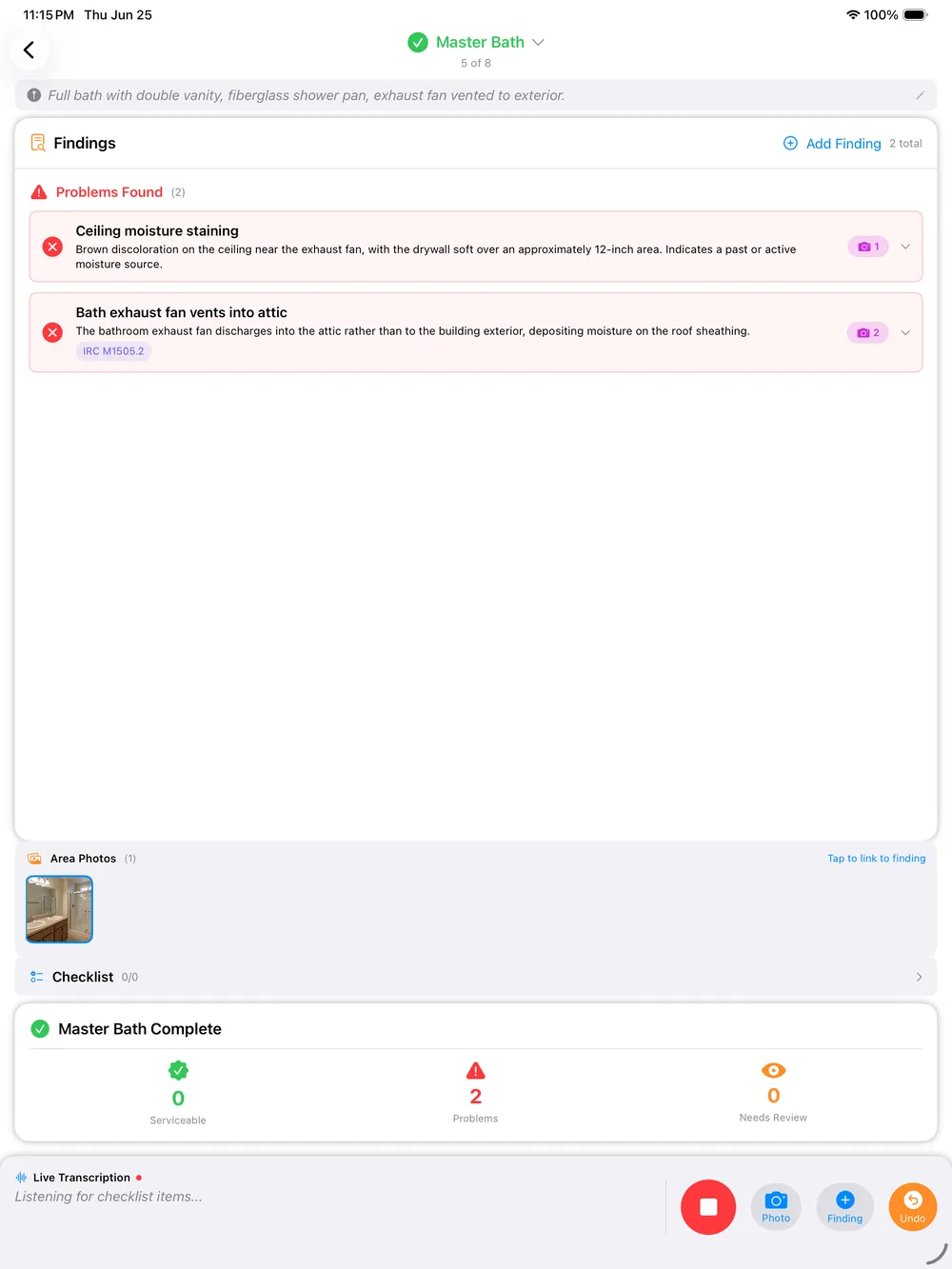
Straight talk: offline is not a fallback mode here, it is the default assumption. PadInspector runs the entire capture workflow, voice, photos, and notes, on the device first. Syncing to the cloud is something that happens after the inspection, not something the inspection depends on.
When the App Locks Up, the Inspection Does Not Stop
Plenty of inspection apps quietly assume a connection. Walk into a poured-concrete basement, a crawlspace under an older foundation, or a rural property past the last cell tower, and a spinner appears where a saved note should be. Some tools refuse to save a finding at all until they can reach a server.
That is not a rare edge case for a working inspector. It is Tuesday. New-construction sites with no wifi installed yet, older buildings with dead interior spots, and acreages well outside cell coverage all show up on a normal week, and none of them should decide whether the report gets written on-site or rebuilt from memory that night.
See the full capture workflow on the core home inspector software, or how the same voice-first approach applies with voice-activated home inspection software.
One Inspection, Zero Signal Required
What actually happens on a property with no connection, from arrival to the moment everything syncs.
You Arrive Somewhere the Bars Show Zero
A basement with concrete on every side, a rural acreage past the last cell tower, or a framed new-construction site with no wifi installed yet. Whatever the reason, the signal icon reads zero and the walkthrough still has to happen today.
You Capture the Entire Inspection Anyway
Voice, photos, and notes all run entirely on the device. Nothing greys out, nothing spins waiting for a connection, and nothing gets lost if a tool refuses to save without signal. You walk and talk exactly like you would anywhere else.
You Step Outside Signal Range and It Catches Up
The moment your phone or iPad finds a bar again, whether that is back in the driveway or at the next stop, everything captured offline auto-syncs in the background. No export step, no remembering to upload, no second trip.
Browse the rest of the PadInspector use cases, or see how offline capture fits online inspection software for properties with a normal connection.
What Actually Keeps Working With No Connection
Every one of these runs locally on the device first. Nothing here is a degraded offline mode with features stripped out, it is the same capture workflow whether you have full bars or none at all.
Voice-to-report capture, fully on-device
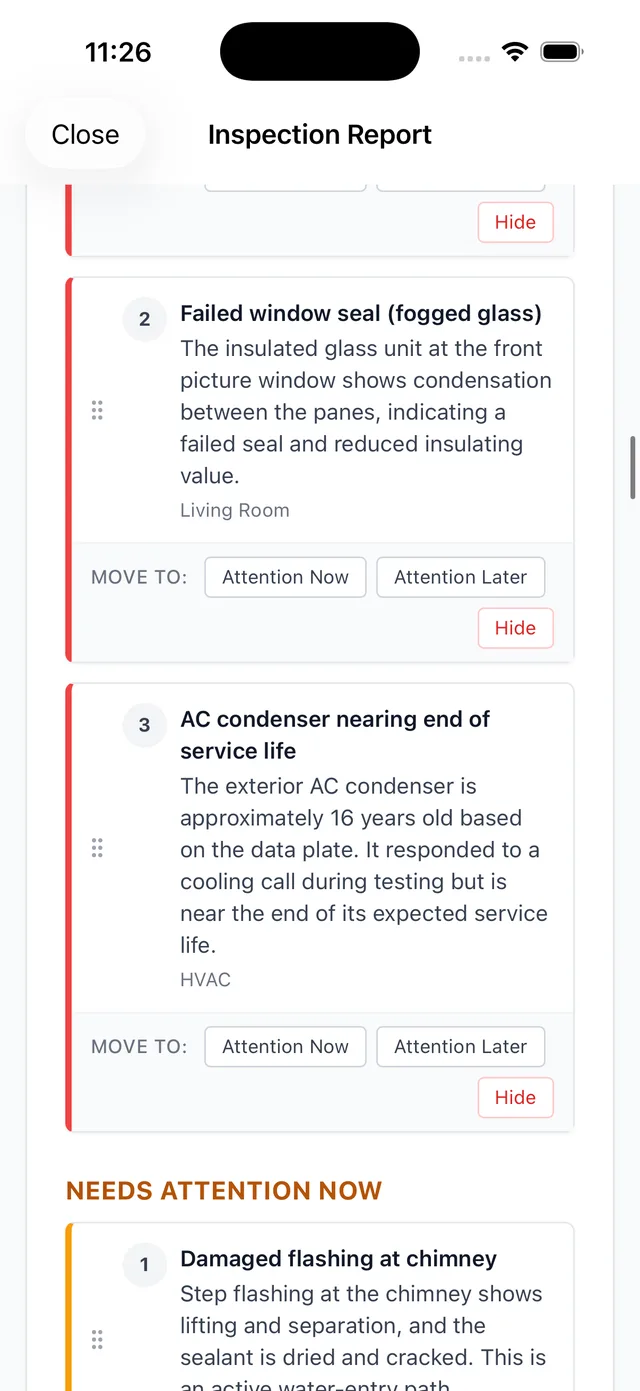
Talk through every finding as you walk. PadInspector transcribes and drafts the report locally, with no connection required to keep working room to room.
Build a full report from a recorded video, zero wifi
If a site has no signal anywhere, record a video walkthrough on your phone instead. Once you are back in range, PadInspector turns that recording into a transcribed, photo-documented report.
Photo-per-area capture with no upload wait
Photos attach to the exact finding and area you are documenting as you shoot them, saved to the device instantly instead of waiting on a cloud upload to confirm.
Automatic code-violation lookup
Findings check against IRC, NEC, and state building codes already available on the device, so a dead zone does not mean skipping the code reference.
Inspection-day weather logging
Weather for the day logs automatically once you sync, useful documentation if a finding is ever disputed later, even on a property where you had no signal on site.
Auto-sync the moment you reconnect
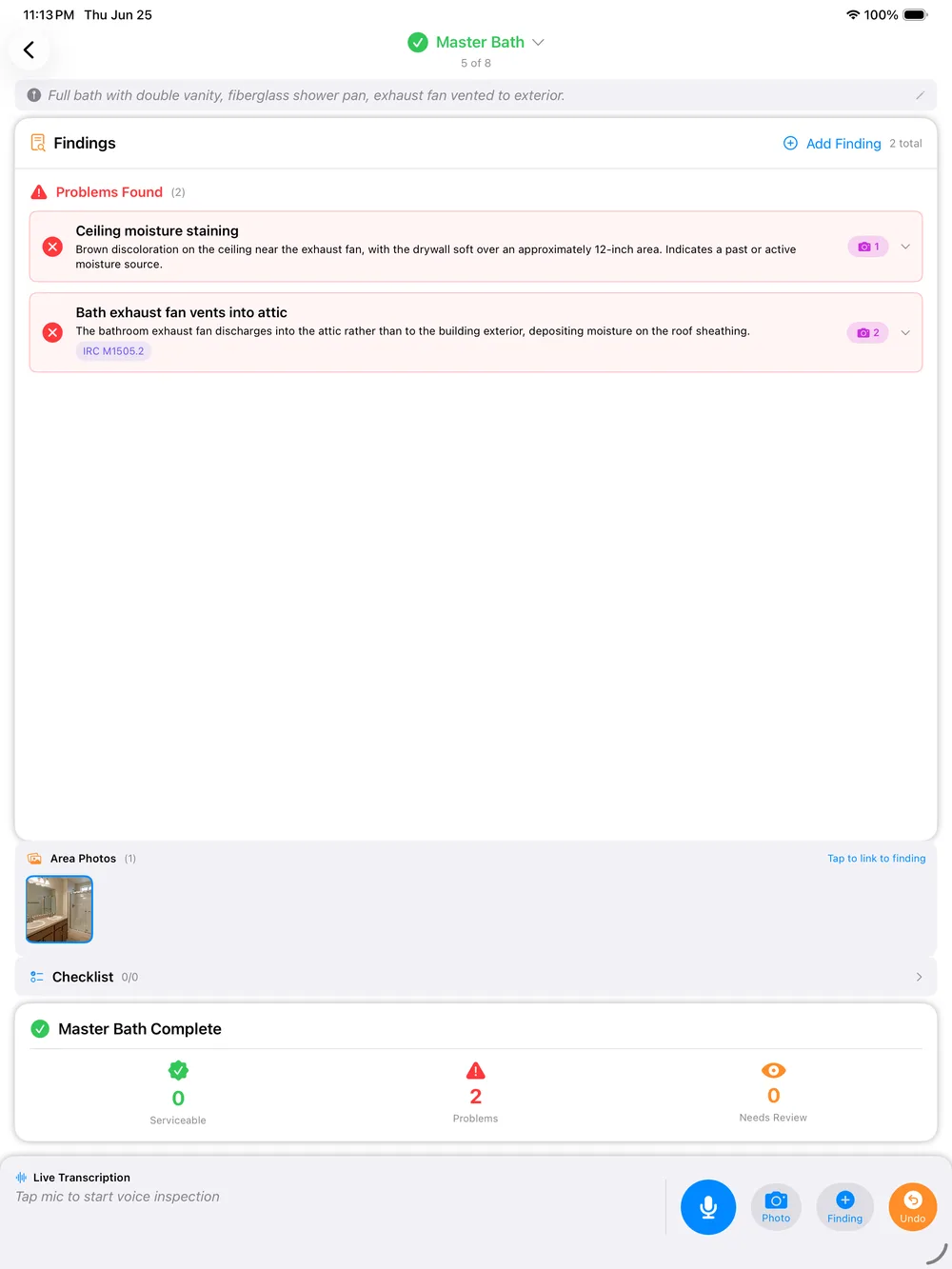
Everything captured offline, voice, photos, notes, and area tags, syncs automatically in the background the instant your device finds a connection again.
How an Offline Inspection Actually Runs
Arrive, signal or not
Open PadInspector on iPad or iPhone the same way whether the property shows full bars or none.
Walk and talk, on-device
Capture voice, photos, and area tags locally. No spinner, no failed save, no waiting on a server.
No signal anywhere? Record video
On a total dead zone, record the walkthrough instead. PadInspector processes it once you sync.
Step back into range
The moment your device reconnects, everything auto-syncs in the background and the report is ready.
Your Data, Even When It Is Sitting on the Device
Captured findings, photos, and client details stay on your device until they sync, and PadInspector never sells or misuses that data once it does. That matters even more offline, where a report can sit locally for a while before it ever touches a server.
Full details on the platform live on PadInspector features, and pricing for solo inspectors and teams is on the pricing page.
Frequently Asked Questions
Does PadInspector really work with zero signal, not just weak wifi?
Yes. PadInspector is built offline-first, not offline-tolerant. Voice capture, photo attachment, code lookups already stored on the device, and note-taking all run locally with no connection at all, whether that is a basement, a crawlspace, a rural property with no cell coverage, or a new-construction site that has no wifi set up yet.
Can I really build a full report from a recorded video if I had no connection that day?
Yes. If a property has no signal anywhere on site, you can record a video walkthrough on your phone as you go. Once you are back in range, PadInspector processes that recording into a full transcribed, photo-documented report, so a total dead zone never means redoing the inspection from memory.
What happens to my data once I come back into signal range?
Everything captured offline, voice notes, photos, and area tags, auto-syncs the moment your device reconnects. There is no manual export step and nothing to remember to upload later. You keep walking the property, and the sync happens in the background once you are back in range.
Is anything blocked or limited while I am working offline?
No. The core capture workflow, talking through findings, snapping photos per area, and tagging rooms, works exactly the same with no signal as it does with a full connection. Automatic code lookups against codes already cached on the device continue to work offline too, so a dead zone does not mean skipping the code check.
Does offline mode work on new-construction sites with no wifi installed yet?
Yes, that is one of the most common places offline mode gets used. A framed house with no utilities connected has no wifi and often weak cell coverage inside the walls. PadInspector keeps capturing the same way it would in a finished home, then syncs everything once you step back outside range.
What does offline home inspection software cost?
Starter is $79 per month ($790 per year) for a solo inspector. Pro is $129 per month ($1,290 per year) with higher usage limits and code intelligence. Team is $129 per month plus $59 per additional inspector for a crew covering multiple properties. PadInspector is invite-only right now, so pricing is locked in early for anyone who requests an invite.
Related reading
Compare the core home inspector software, see the same voice-first approach on voice-activated home inspection software, or check how it compares for properties with a normal connection on online inspection software. Browse every scenario on the PadInspector use cases page.
Never Let a Dead Zone Decide the Report
PadInspector is invite-only while we onboard inspectors carefully. Request an invite and start capturing full inspections on basements, rural properties, and new-construction sites with zero signal required.
Request an inviteVoice, photos, and notes captured entirely on-device, synced automatically once you are back in range.