Online Inspection Software
Online inspection software should mean the report is waiting in the cloud when you get back to the office, not another stack of paper to re-key by hand. PadInspector captures each inspection by voice and syncs the finished report automatically, no binder, no manual data entry.
The Binder Is Still the Bottleneck
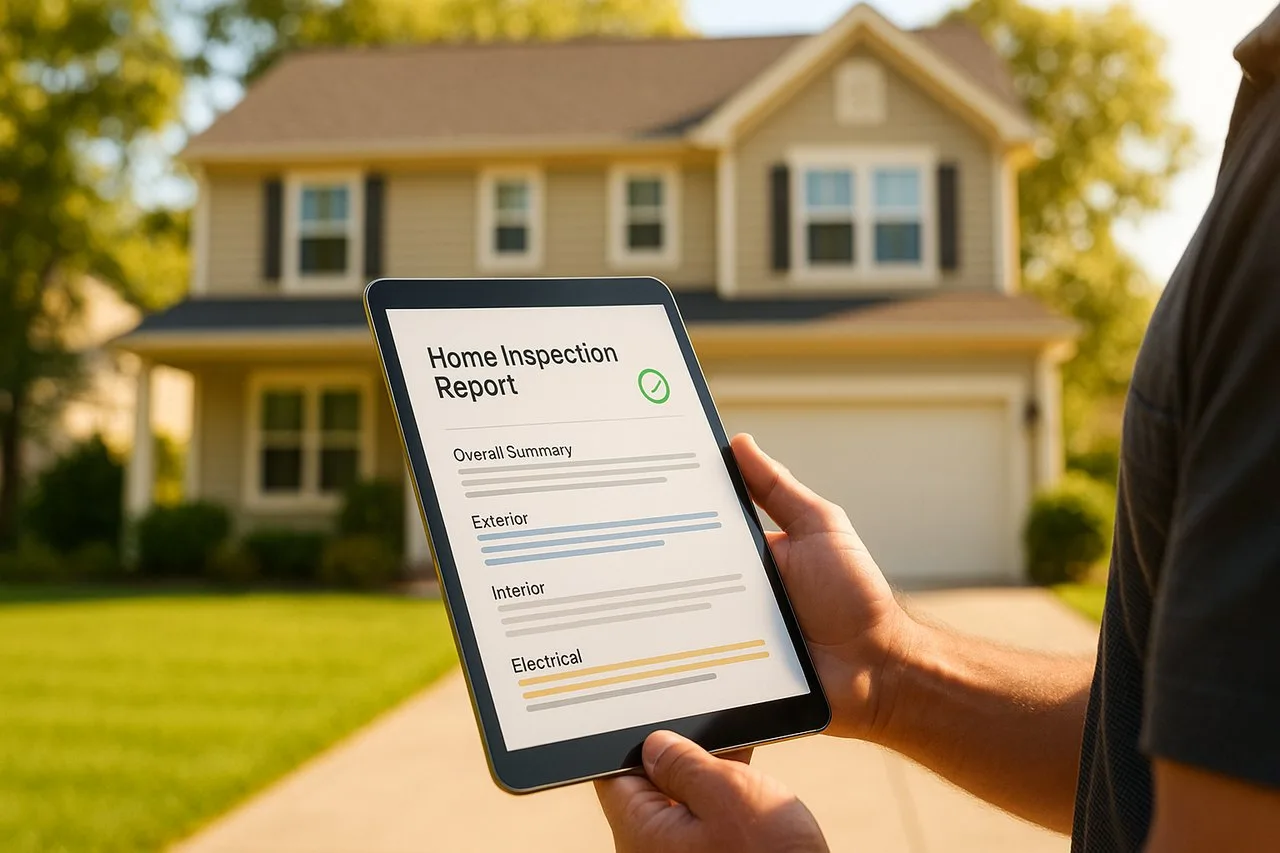
A lot of "online" inspection tools still start with a paper checklist. You walk the property with a clipboard, fill in boxes by hand, then drive back to the office and key every line into a computer before anything is actually online. The report a client sees was written twice: once on paper, once at a desk.
That second pass is where evenings disappear. Handwriting gets misread, photos get separated from the finding they belong to, and a report that could have been done at the curb instead takes hours after the workday is supposed to be over.
From the Field to the Cloud, Automatically
Four stages, no manual step in between. This is the whole path a report takes, whether you had a full signal the entire walk or none of it.
Field Capture
Voice, photos, and notes, with or without signal
Local Save
Everything writes to the device the instant you speak
Auto-Sync
Uploads the moment a connection is back
Cloud / Office Access
Report is live for you and your office
Straight talk: the inspection itself never needs to be online. PadInspector is a native iPad, iPhone, and Apple Watch app, not a browser login you refresh in a basement hoping for bars. It captures voice, photos, and notes fully offline and syncs automatically once you are back in range. If you had zero wifi all day, a report can even be built afterward from a recorded video walkthrough. "Online" describes what happens to the finished report, not a requirement to do the inspection.
How a Report Gets Online Without Extra Steps
Nobody wants a second job exporting files or emailing themselves a PDF. Here is the exact path a PadInspector report takes from the driveway to the cloud.
Office pre-fills the listing
Staff pull the property details from Zillow before the inspector arrives, so the online record starts before anyone walks in the door.
Walk and talk
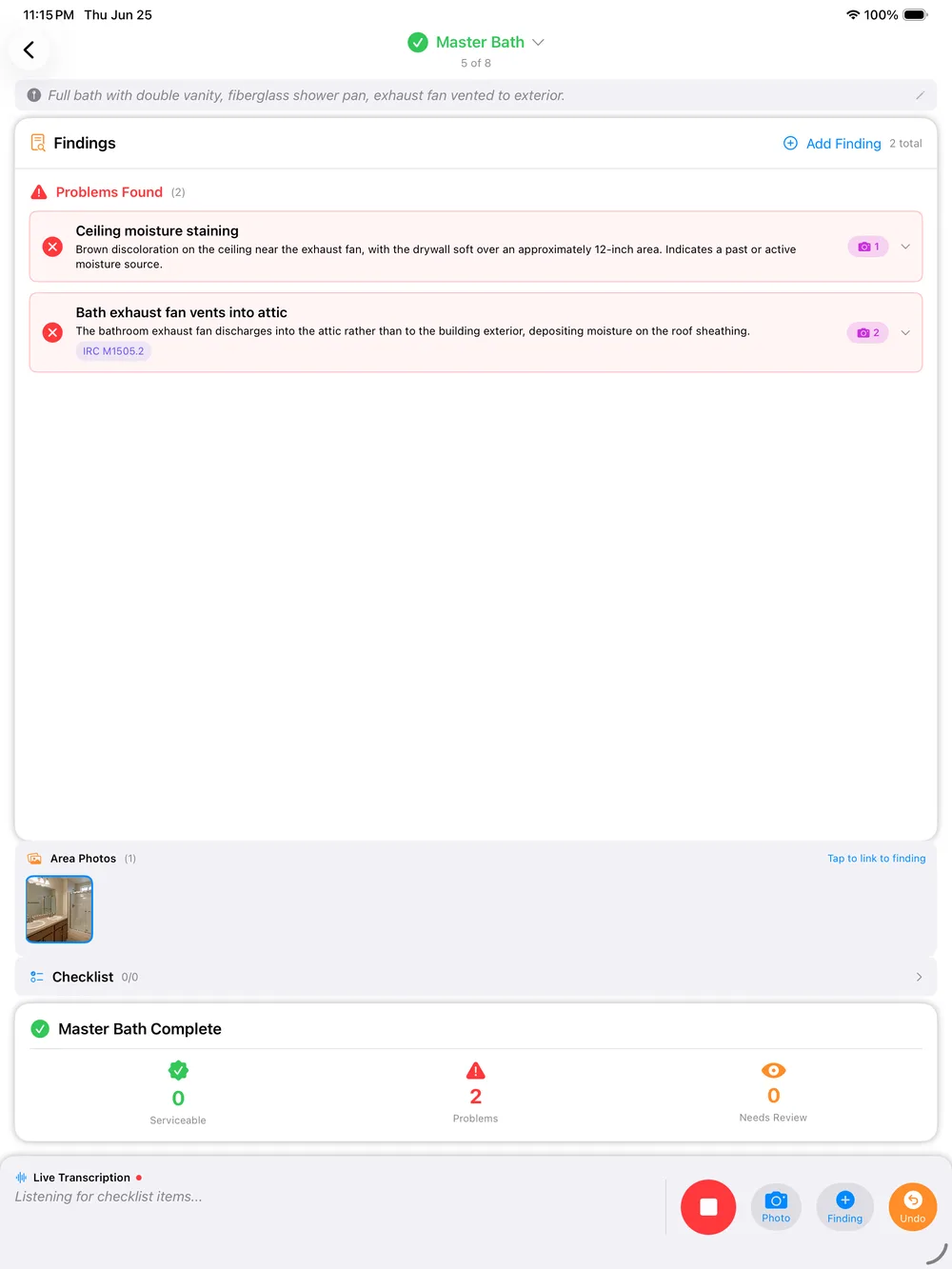
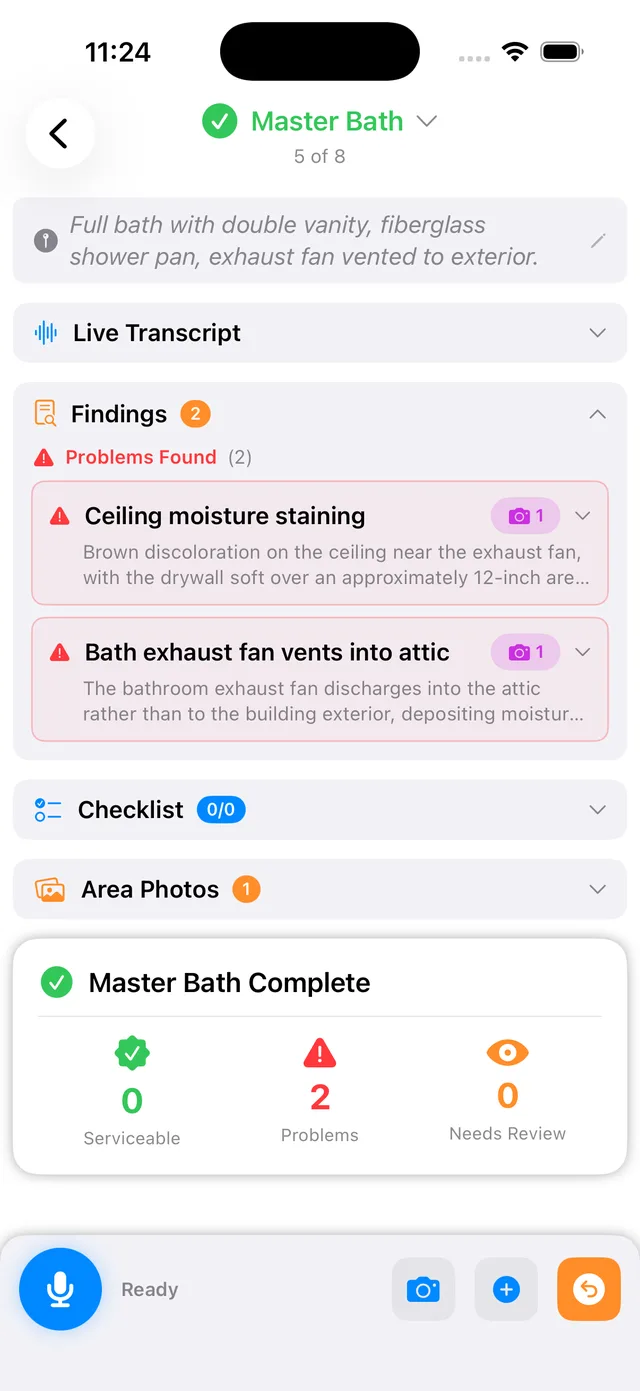
The inspector talks through each area and PadInspector drafts the report live, saving locally the whole time regardless of signal.
Report syncs automatically
The moment the device finds a connection, the finished report uploads to the cloud, no export, no cable, no manual upload step.
Office and client see it
The report is available online to your team and ready to send to the client, often before the inspector has left the property.
No Signal Does Not Mean No Progress
Crawlspaces, basements, and rural properties are notorious for weak or dead signal. A tool that depends on a live connection to work simply stops in those spots. PadInspector was built the other way: capture everything locally first, upload later.
Voice notes, photos tied to the exact area you are documenting, and automatic code-violation lookups against IRC, NEC, and state codes all happen on the device. Inspection-day weather logs automatically too, useful documentation if a finding is ever disputed. None of it waits on bars.
See the full toolset behind this on the core home inspector software page, and browse everything PadInspector does on the features page.
Your Data Stays Yours
Putting reports online means client information lives in the cloud, so how that data is handled matters. PadInspector never sells or misuses client data, a real contrast with at least one competitor known for harvesting a client's contact information to upsell them later.
Inspectors using PadInspector also get team mode, so multiple people working the same account can see who already covered what, no duplicated work and no report going out twice. Compare the full picture on PadInspector pricing.
Frequently Asked Questions
Do I need to be online to use PadInspector during an inspection?
No. PadInspector is fully offline-first. The "online" part is what happens to your report after the walk: it syncs to the cloud automatically once you are back in range, and office staff can pull it up right away. But capturing voice notes, photos, and findings never requires a live connection, even a full report can be built later from a recorded video if you had zero wifi that day.
Is PadInspector a browser-based tool I log into on a website?
No. PadInspector is a native app for iPad, iPhone, and Apple Watch, not a browser login. You are not refreshing a web page in a crawlspace hoping for a signal. The app runs on the device, captures everything locally, then syncs to the cloud in the background so the "online" report is waiting for you and your office without you doing anything extra.
How does a report actually get from the field to the cloud?
You walk the property and talk through each area. PadInspector saves your voice, photos, and notes to the device as you go, drafts the report, then uploads it in the background the moment a connection is available. There is no export step, no plugging in a laptop, and no re-typing notes from a paper form once you are back at the office.
Can office staff see a report before the inspector gets back?
Yes. Once a report syncs, it is available in the cloud to anyone on your team with access, often before the inspector has even left the driveway. Office staff can also pre-fill inspection details from a Zillow listing before the inspector arrives, so the online side of the workflow starts before the visit and finishes right after it.
What happens to my data once it is online?
It stays yours. PadInspector never sells or misuses client data, a difference from at least one competitor known for harvesting client contact details to upsell them. Reports sync to secure cloud storage tied to your account, not a public listing or a third-party marketing list.
What does online inspection software with cloud sync cost?
Starter is $79 per month ($790 per year) for a solo inspector. Pro is $129 per month ($1,290 per year) with higher usage limits and automatic code-violation lookup. Team is $129 per month plus $59 per additional inspector, so a whole crew syncs to one shared account. PadInspector is invite-only right now, which locks in early pricing for anyone who requests an invite.
Related reading
See the full platform on home inspector software, compare pricing against manual methods on home inspection software cost, or browse every PadInspector use case.
Get Every Report Online Automatically
PadInspector is invite-only while we onboard inspectors carefully. Request an invite and let every report sync to the cloud on its own, no binder, no re-typing, no missed signal.
Request an inviteFully offline in the field. Automatically online once you are back in range.