Inspector Software
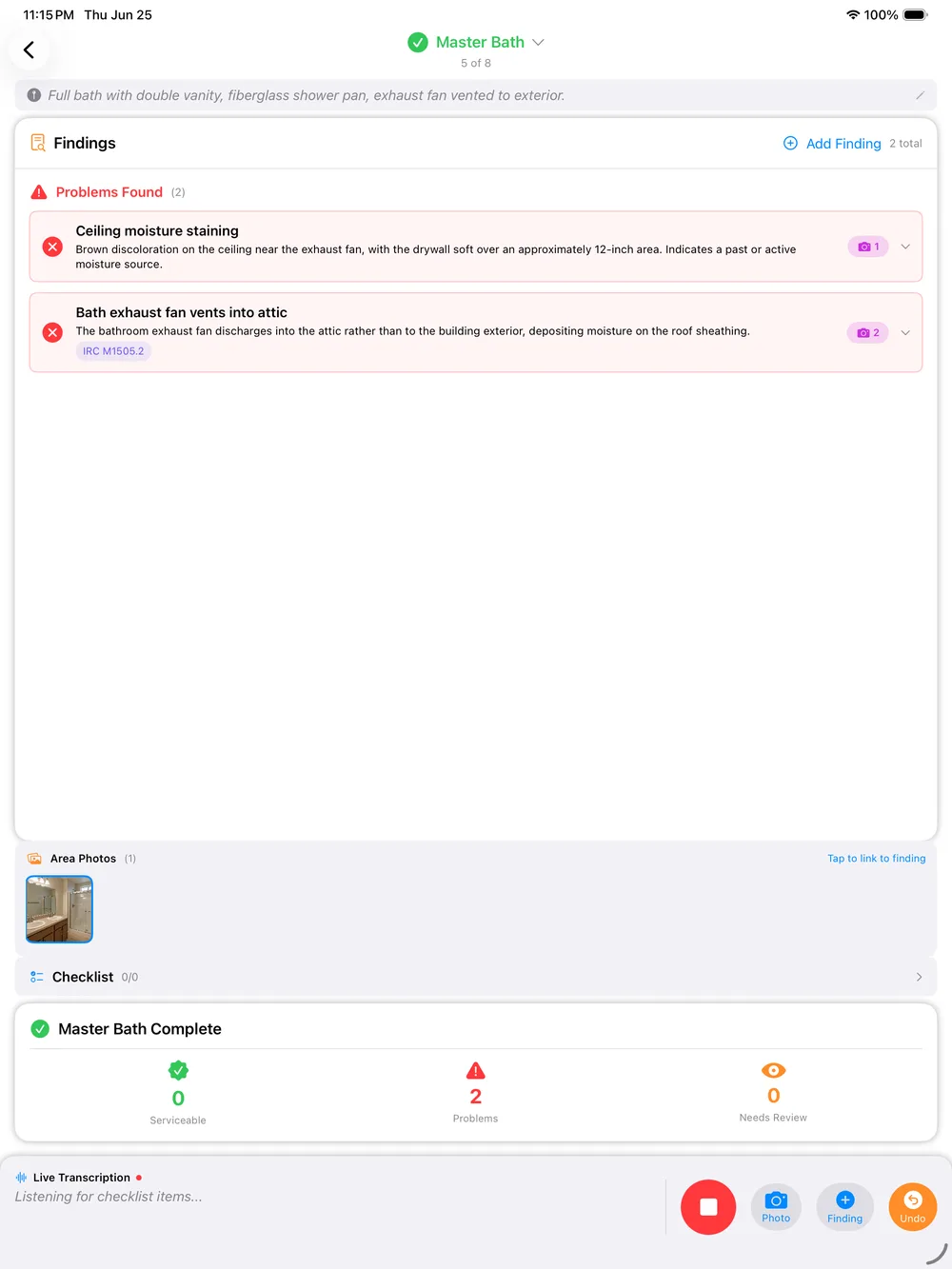
Inspector software should finish the report while you are still on the property, not hand you a checklist to retype at a desk that night. PadInspector listens as you talk through each finding, attaches the applicable code automatically, and has the report ready before you leave the driveway.
Most Inspector Software Only Speeds Up The Second Half
Shop for inspector software and the pitch is usually the same: better templates, a bigger comment library, maybe an AI assist to smooth the wording. All of that helps once you are back at a keyboard rewriting the walkthrough from memory. None of it changes when the report actually gets written, which is still after the fact, at a desk, on your own time.
PadInspector moves the writing to the moment you are standing in the room. The walkthrough is the report, not a set of notes waiting to become one.
One Inspector's Day With Inspector Software That Works
Six stops, one connected walkthrough, no evening session left over.
- 01
Arrive, and the weather logs itself
Pull up at the property. If office staff pre-filled the job from Zillow, the address and basics are already loaded. The day’s weather logs automatically in the background, on record for liability later.
- 02
Walk and talk
Move room to room and narrate what you see out loud. No checklist to tap through and no notes to type up later, the walkthrough itself is the data entry.
- 03
Code lookup happens automatically
The moment a finding matches a requirement, the applicable IRC, NEC, or state code section attaches itself to that finding. No pausing to search a codebook mid-walk.
- 04
Photo per area
Snap a photo for whatever you just described and it files itself under the right area and finding automatically, instead of a camera roll you have to sort later.
- 05
Report drafted
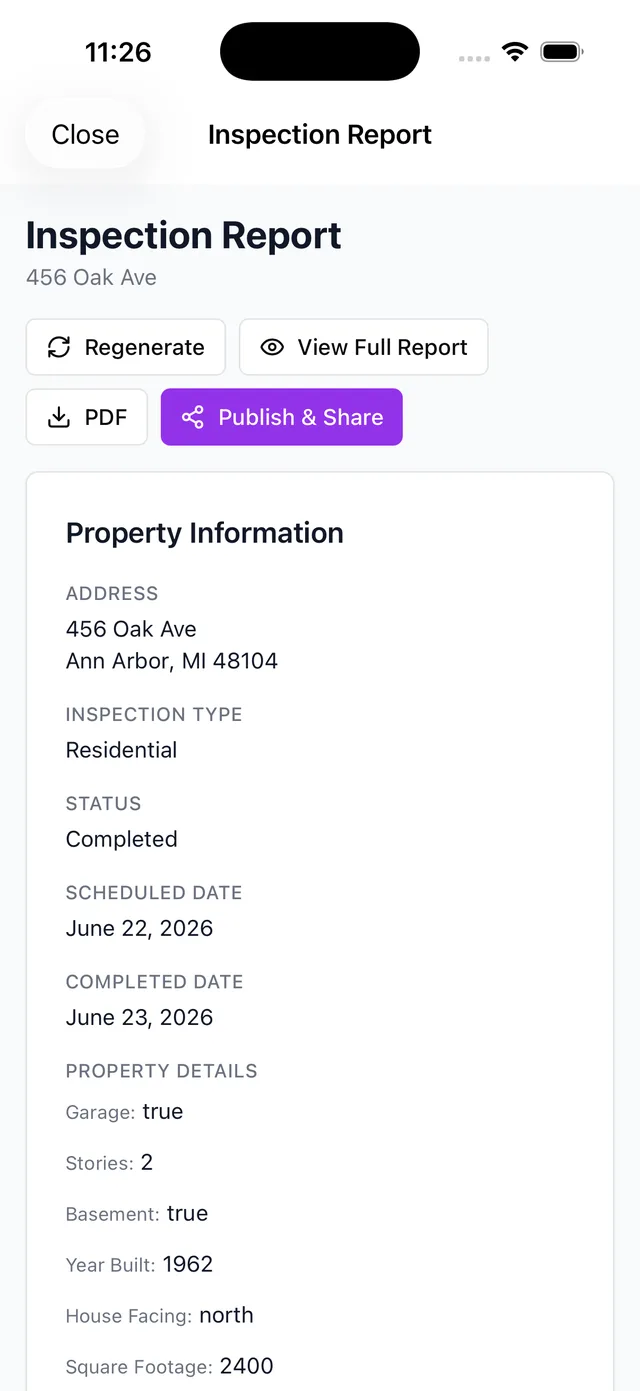
By the time you’re back at the truck, the findings are organized by area into a client-ready draft, not a pile of notes waiting to be assembled.
- 06
Sent before you leave the driveway
Skim the draft, adjust anything you want, sign off, and send. No laptop session at home tonight and no evening lost to typing.
A Photo Per Area, Filed Automatically
In most inspector software, photos land in one long camera roll you sort and caption later, matching each shot back to the finding it belongs to. That sorting is its own hidden hour of work every single job.
PadInspector files each photo under the area and finding you were just describing, the moment you take it. If you want a wider look at the platform first, start with our home inspector software overview.
What to Actually Look For in Inspector Software
The capabilities that change how your day actually goes, not just how the report looks.
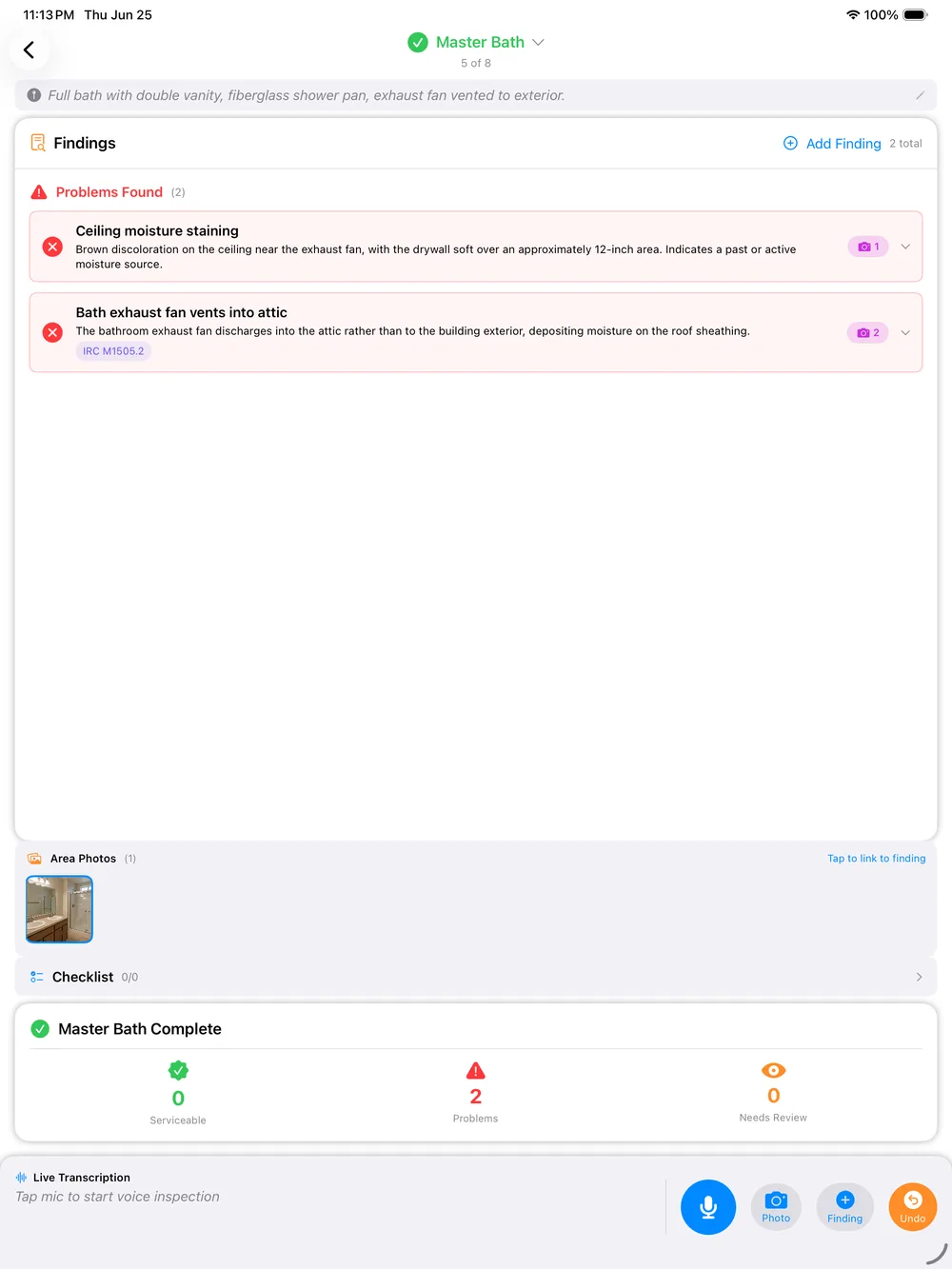
Voice-to-report capture
Narrate findings on-site and the report drafts itself as you talk, area by area.
Automatic code lookup
IRC, NEC, and state code sections attach to matching findings without a separate search.
Weather logging
Inspection-day weather logs automatically for liability protection, no manual entry.
Fully offline
Recording and drafting run locally, even in a signal-dead crawlspace, and a report can be built from recorded video with zero connection.
Team mode
Multiple inspectors on one job see who covered which area in real time, so nothing gets inspected twice.
Zillow pre-fill
Office staff can load property details from Zillow before anyone arrives on-site.
Native iPad, iPhone, and Apple Watch
A true native app across your Apple devices, not a browser tab or a desktop program adapted for mobile.
Data privacy by default
Client findings, photos, and recordings are never sold or repurposed to market to your clients.
Built for Apple Devices, on Purpose
A lot of inspector software tries to be everything to everyone: Windows, Mac, iOS, and Android all at once. PadInspector does not. It is a native app built specifically for iPad, iPhone, and Apple Watch, tuned for how those devices actually work in the field.
If your team runs on Android or Windows desktops, we would rather tell you that now than have you find out after requesting an invite. Compare the full feature set against best home inspector software options, or see the numbers on PadInspector pricing plans.
Your Client Data Stays Yours
The findings, photos, and recordings PadInspector processes exist to build your client's report, nothing else. That data is never sold or repurposed to market to your clients, a stance Aristide, PadInspector's founder and a working home inspector himself, built the product around from day one.
Related reading
See every way inspectors use PadInspector across a full inspection business. Comparing setups for a whole team? Read inspection software systems , or look at home inspection software cost before you commit, and browse the full PadInspector feature list.
Frequently Asked Questions
What should inspector software actually do for a home inspector in 2026?
At minimum it should capture findings and photos on-site, generate a professional report, and work reliably in the field. Most inspector software stops there, treating the walkthrough as data entry that still gets rewritten later. PadInspector goes further: you talk through findings as you inspect, and the report drafts itself in real time instead of waiting for a desk session afterward.
Does inspector software look up building codes automatically?
Most does not. Report-writing and photo tools are standard across the category, but auto-linking a finding to the exact IRC, NEC, or state code section is rare. PadInspector attaches the applicable code section the moment a finding matches it, so you are not pausing the walkthrough to search a codebook.
Can inspector software work without wifi at the property?
It depends on the tool. PadInspector runs its recording, transcription, and report drafting fully offline, so a crawlspace or a rural property with no signal will not stall you. If you had zero connectivity the entire visit, PadInspector can even build the report from a recorded video afterward.
Is PadInspector’s inspector software available on Android or Windows?
No, and we would rather say that plainly than let you find out after requesting an invite. PadInspector is a native app built specifically for iPad, iPhone, and Apple Watch. If your team is on Android or Windows desktops, PadInspector is not the right fit today.
Does inspector software help when more than one inspector works the same job?
With PadInspector, yes. Team mode shows every inspector on a job which areas are already covered in real time, so two people never inspect the same crawlspace or duplicate a finding by accident.
What does inspector software cost, and can I try PadInspector?
Pricing varies widely across the category. PadInspector is invite-only right now while we onboard inspectors carefully, so request an invite to see current plans, or read the full breakdown on our home inspection software cost page.
Inspector Software That Finishes on the Property
PadInspector is invite-only while we onboard inspectors carefully. Request an invite and see what it feels like to drive away with the report already done.
Request an invite