Home Inspection Software Completed Verbally
Home inspection software completed verbally means the entire walkthrough, every room, every finding, every severity call, ends in a finished report without you typing a single word or tapping through a checklist screen.
Two Ways an Inspection Still Isn't Really Done
The first way: you finish the walk with a phone full of shorthand notes and photos, then sit down that night and type the actual report from memory. The second way: you carry a checklist app and tap through boxes room by room, which keeps you at the property longer but still leaves you rewriting the narrative language afterward because tapped boxes are not a report.
Either path treats the inspection as unfinished until someone sits at a keyboard. Home inspection software completed verbally removes that keyboard step entirely, the walk itself is the writing.
From a Sentence You Say to a Report You Send
Nobody types at any point in this chain. Every stage runs off what you said, out loud, standing in the room.
Spoken Note
You describe the condition out loud, in your own words, while you are still standing in front of it.
Live Transcript
PadInspector turns your speech into text in real time, no pause, no screen to look at.
Automatic Code Check
The transcript is checked against IRC, NEC, and state code automatically, no codebook search.
Drafted Finding
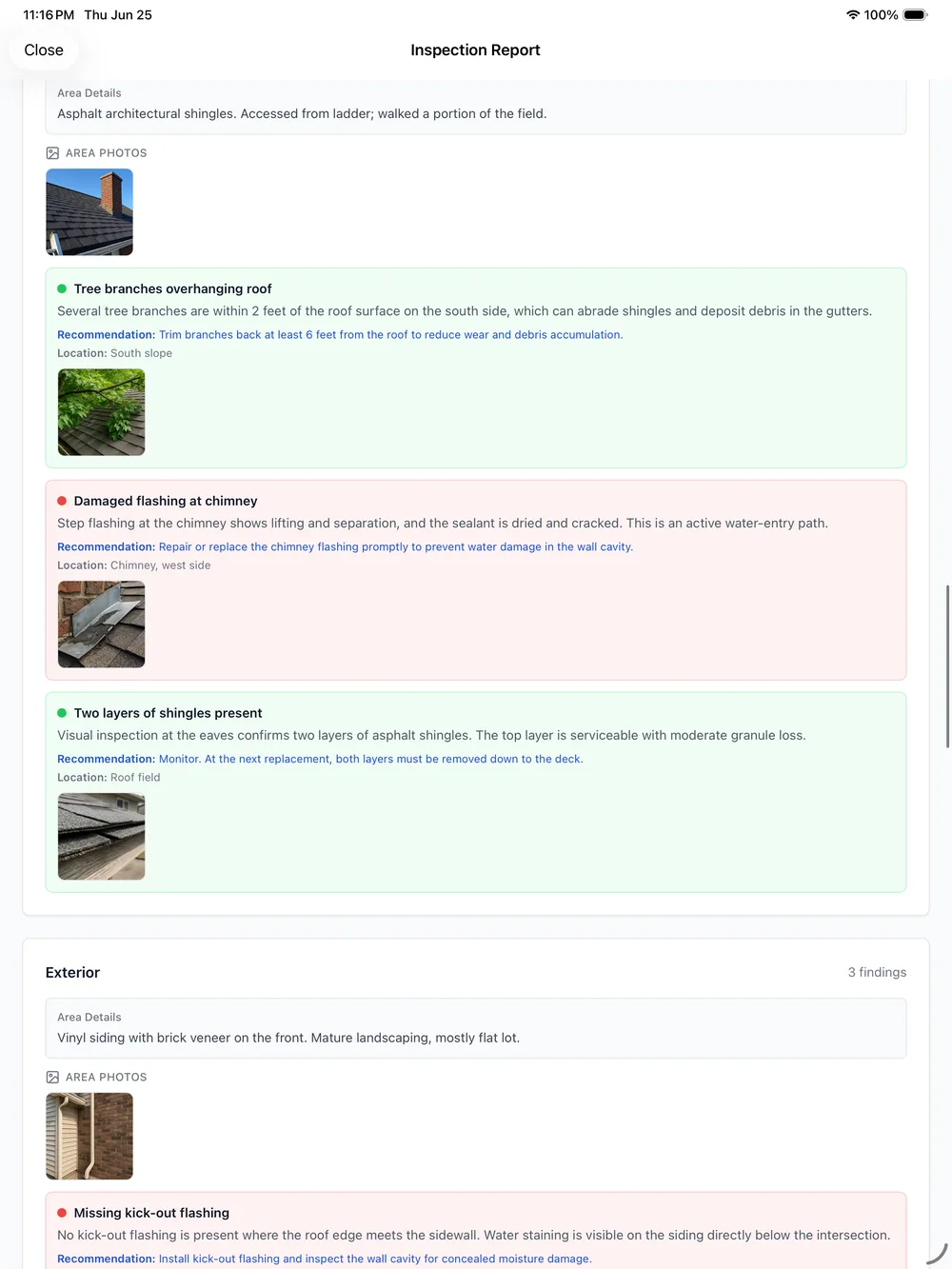
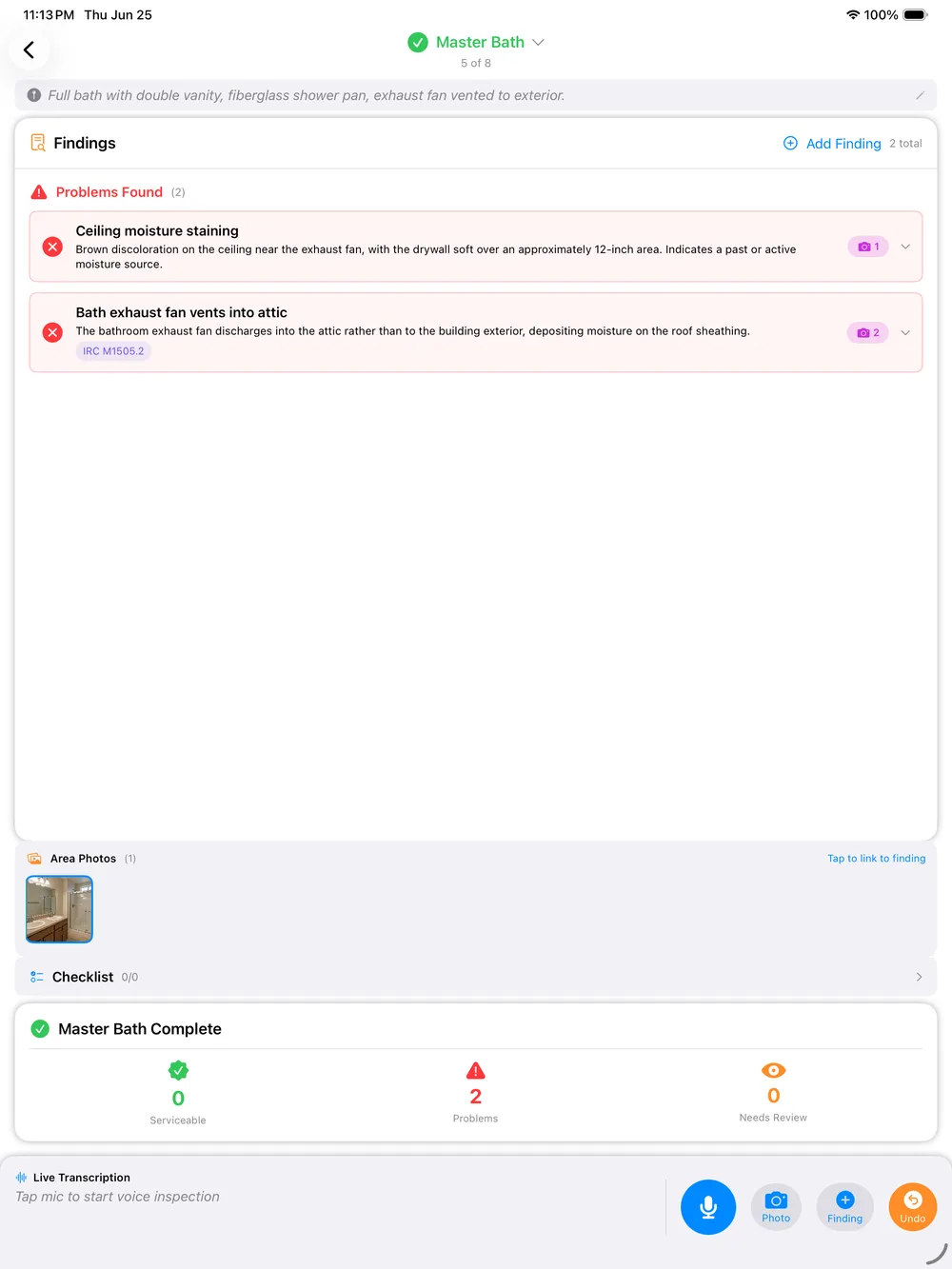
A finding lands in the report with severity assigned and the photo you took attached to it.
Client-Ready Report
Every stage above repeats room by room until the report is finished, ready to send.
This is the outcome of the workflow. For how the hands-free capture itself works, see voice activated home inspection software.
What Keeps the Keyboard Out of the Loop
Finishing an inspection by voice only works if every piece that would normally need a typed entry has a spoken equivalent instead. These are the pieces that make that true, and they are covered on every PadInspector plan, from the core home inspector software up through team accounts.
Zero typing, anywhere in the workflow
Not just the notes. Severity, area, and defect language all come from what you say, so a keyboard never enters the picture between arrival and a finished report.
Style learning
The more inspections you complete verbally, the more the drafted language sounds like your own reporting voice instead of a generic template.
Automatic code-violation lookup
Every spoken finding is checked against IRC, NEC, and state building codes the moment it is drafted, with the citation attached, no manual search.
Photo-per-area capture
Photos taken while you talk attach themselves to the exact finding and area being described, so nothing gets matched up by hand later.
Inspection-day weather logging
Weather logs automatically the day of the inspection, useful documentation if a finding is ever disputed after the fact.
Fully offline, start to finish
A verbally completed inspection does not need signal. If a property has none at all, the report can be built afterward from a recorded video walkthrough.
A Full Inspection, Start to Send
What an inspection completed verbally actually looks like, door to driveway.
Walk in already talking
No setup screen, no checklist to open first. You start describing the property from the first thing you see.
Narrate every room and system
Roof, electrical, plumbing, HVAC, structure, all of it spoken as you move through the property, never tapped.
Findings assemble themselves
Severity, area, and code citation attach to each finding automatically as you talk, with the photo you took right alongside it.
Glance, then send
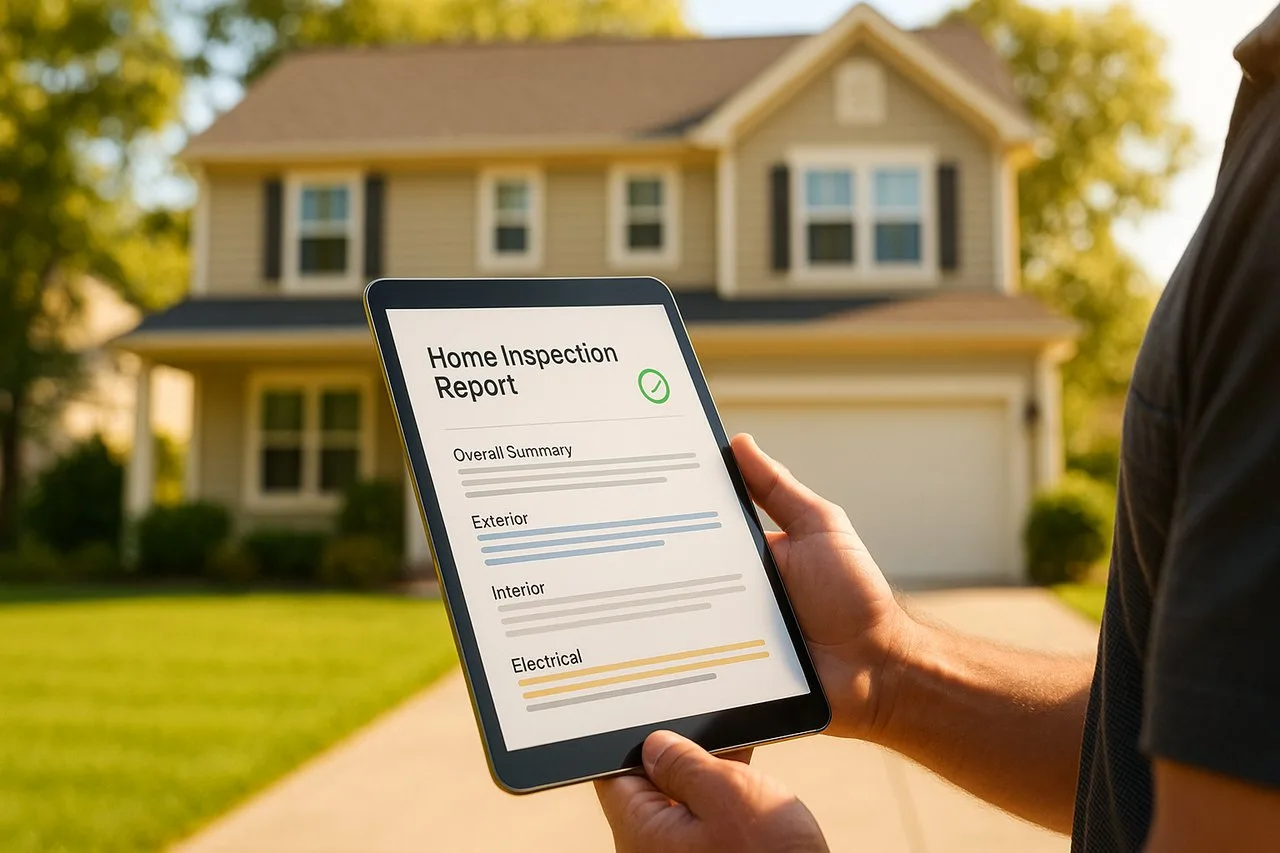
A quick look over the finished report before you leave the driveway, no rewriting session waiting for you at home.
Verbal Doesn't Mean Unreviewed
Completing an inspection verbally does not mean the report goes out unchecked. You still glance over the finished draft before sending it, that is reading, not typing. Everything you say is used for one purpose, building that inspection's report, and PadInspector does not sell or misuse client data. We are not going to hand you a made-up accuracy number or a review count to sound impressive, only what the product actually does.
It runs as a native iPad, iPhone, and Apple Watch app, not a browser login, and works fully offline so a dead zone never forces you back to a keyboard. See the complete PadInspector feature list or the PadInspector pricing plans for full detail.
Frequently Asked Questions
Do I ever have to type or tap through a checklist during the inspection?
No. The whole inspection, walking every room, describing every system, flagging every defect and its severity, happens by talking. PadInspector turns that spoken narrative directly into the report. The only touching a screen you do is a glance to confirm a photo attached to the right finding, never typing.
How is this different from voice activated home inspection software?
Voice activation is the mechanic: it is how your speech gets captured hands-free. Being completed verbally is the outcome: an entire inspection, start to finish, with zero typing anywhere in the process, not just the notes. For the mechanics of hands-free capture and transcription accuracy, see our voice activated home inspection software page. This page is about finishing the whole job without ever touching a keyboard.
How does a spoken note become a finding with a severity level attached?
You describe the condition the way you naturally would to a client standing next to you, including how bad it is. PadInspector reads that description and drafts the finding with a severity already assigned, so a phrase like a cracked panel cover with exposed wiring lands in the report flagged appropriately without you ever picking a dropdown value.
Does the automatic code-violation lookup still run if I never type the citation?
Yes. The code check happens behind the spoken note, not behind a manual search. As soon as a finding is drafted from what you said, PadInspector checks it against IRC, NEC, and state building codes and attaches the relevant citation, the same lookup a codebook search would produce, without you opening a codebook or typing anything into a search field.
What happens if I finish an entire inspection with zero wifi and zero cell signal?
PadInspector is fully offline-first, so a dead zone does not interrupt a verbally completed inspection. Everything you say saves to the device and drafts once you are back in range. If the property had no connection at all, PadInspector can even build the finished report afterward from a recorded video walkthrough, still with no typing involved.
Related reading
Browse the full PadInspector use cases index, see the mechanics behind voice activated home inspection software, browse the AI home inspection software working behind every spoken finding, or compare the core home inspector software it all runs on.
Finish the Whole Inspection Without Typing a Word
PadInspector is invite-only while we onboard inspectors carefully. Request an invite and complete your next inspection entirely by talking, from the front door to the finished report.
Request an inviteHome inspection software completed verbally, no keyboard required at any stage.